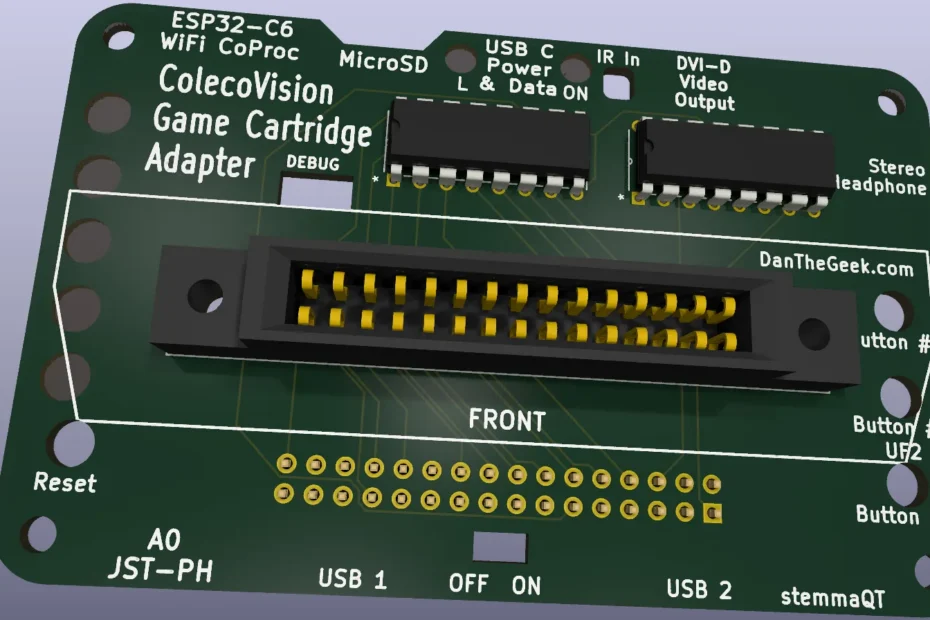
This month I started a new project and designed a PCB shield for the Adafruit Fruit Jam using KiCad. This is the first project I have designed in KiCad. I have used Eagle before but I thought I would learn using KiCad with this project. For starters, I hope to be able to read the game cartridge and save it to a file on an SD card using the built-in SD card holder in the Fruit Jam. In the future, I could use the shield to hold a game cartridge for a future ColecoVision emulator, perhaps? I’m starting small, so designing the shield and reading the cartridge will be my first steps.
A similar project I found on the internet is a ColecoVision cartridge reader project for Arduino on instructables.com . The sheer volume of jumper wires needed to connect the 30 pin ColecoVision game cartridge would turn off many, but I hope my shield will make it a much cleaner project. I am also grateful for the insight in this article on how to read the ColecoVision cartridge using a microcontroller. I will be writing the game cartridge reader in CircuitPython.
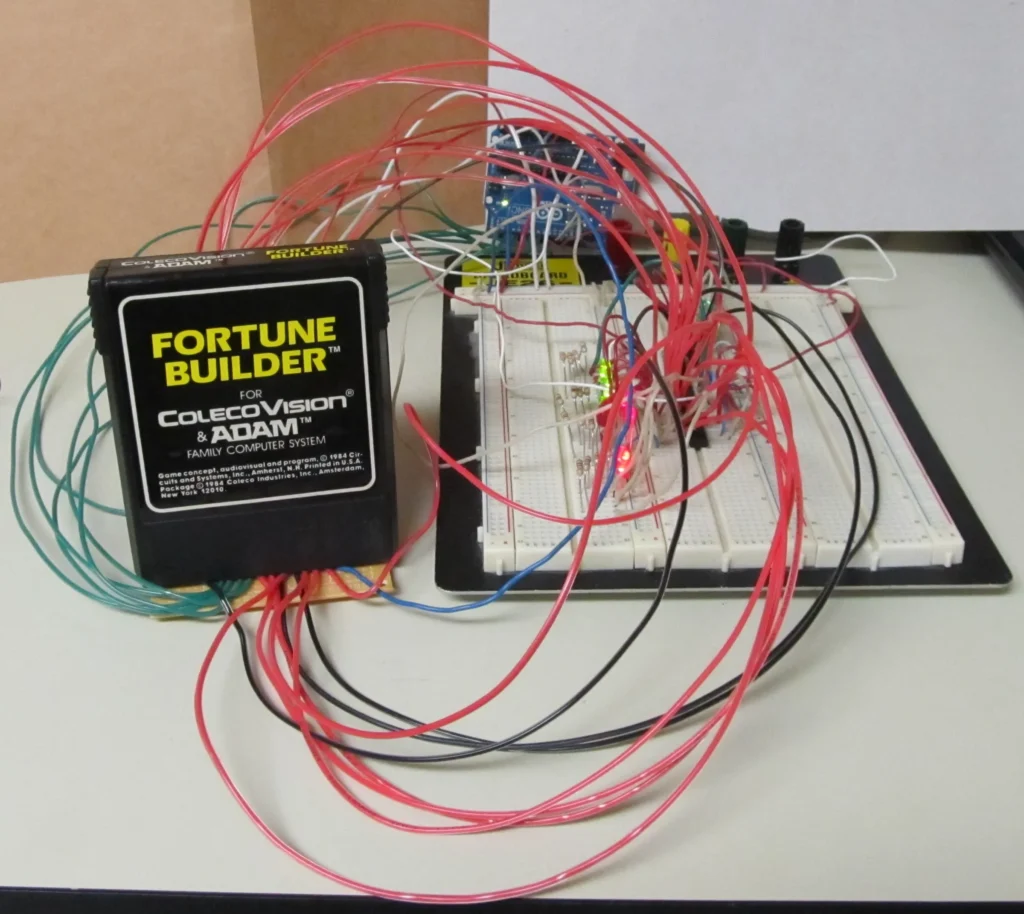
Another ColecoVision cartridge reader project on Instructables.com using Arduino and lots of jumper wires – https://www.instructables.com/Arduino-ColecoVision-Cartridge-Reader/
After double checking, triple checking and quadrupal checking my KiCad design, I have ordered the PCBs and now it is a waiting game. Stay tuned…